I will show you how you can upgrade the Windows Server 2019 Standard Evaluation to the Standard full edition.
open run and type cmd and enter
you need to write:
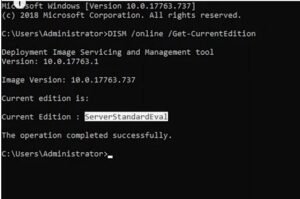
DISM /online /Get-CurrentEdition
it will show you the current edition of your windows
the next command you need to type is:
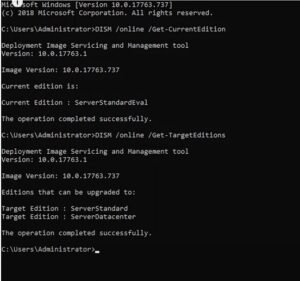
DISM /online /Get-TargetEditions
it will show you to what edition of the windows you can upgrade from the server standard evaluation
the third command you need is:
DISM /Online /Set-Edition:ServerStandard /ProductKey:N69G4-B89J2-4G8F4-WWYCC-J464C /AcceptEula
this process might take a few minutes
after finish type Y to restart computer
هنا رابط الشرح فيديو